







Electronics problems are easier to solve when you can separate a symptom from a guess. Repair Guide is a free educational resource for understanding consumer electronics, checking common faults, and deciding when a problem belongs with a qualified professional. We do not sell products or provide in-person repair services. Our goal is to help you ask better questions and take safer next steps.
Start with a clear symptom
Write down what the product does, when it happens, and what changed. “The laptop is broken” gives little direction. “The laptop starts on its charger, shuts off when unplugged, and shows a battery warning” separates power input from battery behavior. Record exact error text, indicator patterns, sounds, heat, and whether every source or accessory is affected.
Find the complete model number before following model-specific instructions. It may be on the rear, underside, door frame, battery compartment, original packaging, or an information screen. A marketing family can include products with different parts, power requirements, and reset procedures.
Use the least invasive check first
A good troubleshooting order moves from observation to reversible tests:
- Make the situation safe and stop for smoke, swelling, sparks, burning odor, exposed wiring, or liquid near live power.
- Protect accessible files, photos, settings, recovery keys, and account information.
- Confirm the outlet, battery state, controls, input selection, and required services such as water or internet.
- Inspect removable cables and accessories for damage and compatibility.
- Restart with the manufacturer's normal procedure.
- Test one known-compatible substitute or one documented setting at a time.
- Use official model documentation before resetting, updating firmware, or opening a cover.
Changing several things at once can make a temporary improvement impossible to explain. After each check, reproduce the original symptom under the same safe conditions. If the change did not help, undo it before moving on.
Browse by the kind of device
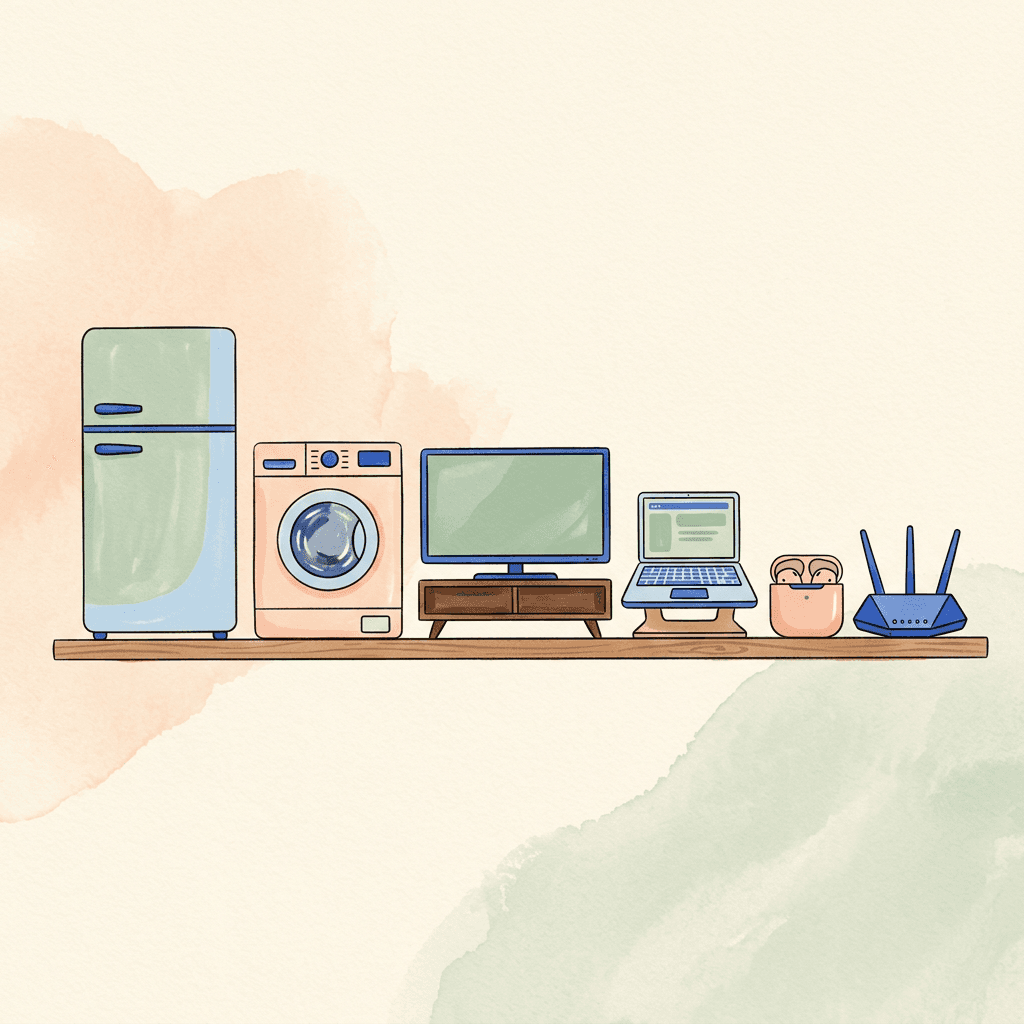
Our categories cover home appliances, TV and entertainment equipment, phones and tablets, computers, PC components, cameras, audio devices, smart-home products, power and charging, connectivity, and storage and data.
Category pages provide a safe starting sequence and a table of common symptoms. Guide hubs explain how a product works. Symptom pages narrow the possibilities and identify stop points. The Learning Center covers general skills including model numbers, error codes, cleaning, ESD control, warranties, recycling, and repair-versus-replace decisions.
Safety sets the boundary
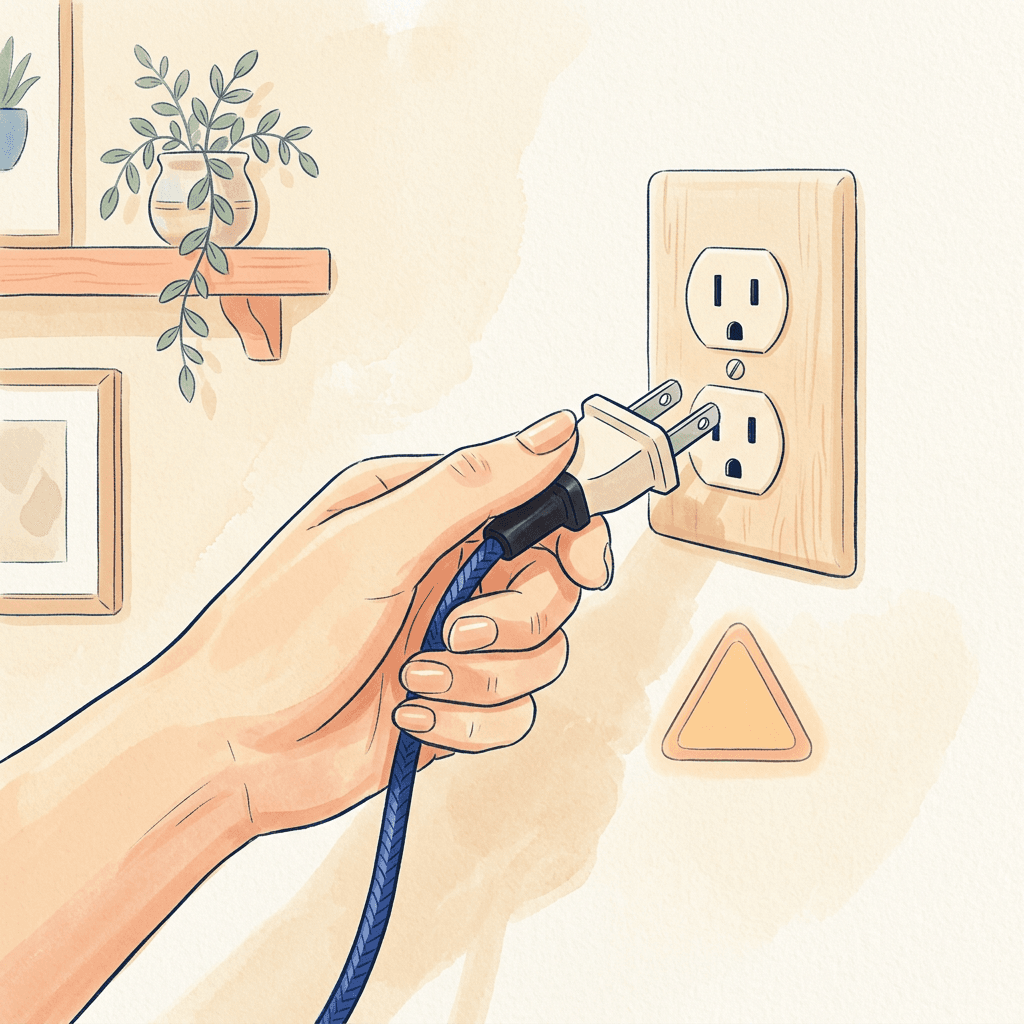
Unplugging is important, but it does not make every product harmless. Microwave capacitors, TV power supplies, CRT displays, internal batteries, and some motor circuits can remain hazardous. Refrigerant, gas, and fixed household wiring require specific qualifications. A swollen lithium battery can release hot material or ignite if bent, punctured, crushed, or improperly charged.
Do not defeat a ground pin, fuse, thermal cutoff, cover, guard, or interlock. Do not improvise a power adapter because its connector fits. Voltage, polarity, protocol, cable rating, and current capability all matter. For recalled products, follow the remedy from the manufacturer or the U.S. Consumer Product Safety Commission rather than attempting an undocumented fix.
Protect data before repair
Storage can fail without a convenient warning. Keep more than one copy of important files, with at least one copy separated from the primary device. Before updates, resets, service, resale, or recycling, verify backups and account recovery methods. A backup is not proven until a sample restore succeeds.
If a drive clicks, repeatedly disconnects, smells burned, or holds the only copy of valuable data, repeated DIY recovery attempts may reduce the chance of success. Stop writing to the device and consider a professional data-recovery consultation.
Maintain instead of waiting for failure
Heat and contamination contribute to many intermittent problems. Keep vents open, allow the manufacturer’s stated clearance, and use gentle cleaning methods approved for the surface. Avoid direct spray into openings. Inspect frequently moved power and charging cables for strain. Install trusted security and reliability updates, but do not start firmware updates while power is unstable.
Keep a record with the purchase date, receipt, model and serial details, warranty, maintenance, software version, and prior faults. This improves conversations with support and prevents repeating unsuccessful steps.
Make a repair-or-replace decision
Compare safety, warranty or recall coverage, diagnosis and labor, parts, shipping, data handling, and remaining usefulness. Repair can be worthwhile when the cause is isolated and the product still meets your needs. Replacement can be more sensible after severe safety damage, several major failures, unavailable parts, or the end of essential security updates.
Price alone is not the whole calculation. A suitable replacement may use less energy or support current standards, while preserving a familiar, repairable product may avoid waste. When retiring electronics, erase personal data and use a responsible donation, take-back, or recycling program. The EPA electronics recycling guide is a useful US starting point.
How Repair Guide guides work
The guides are organized around low-risk checks, possible causes, safety boundaries, and related maintenance. Manufacturer documentation and primary government or relevant standards sources should be checked for safety and regulatory topics. Our editorial policy explains the limits of sourcing and updates; publication does not mean a qualified expert verified each procedure.
No general article can account for every model or circumstance. Confirm procedures in the owner's manual, respect warranties, and choose professional help when a test requires energized access, special licensing, or experience you do not have. The best troubleshooting outcome is not always a completed repair; sometimes it is recognizing risk early and stopping safely.